| Redress Manager 2026 View Case File |
   |
Previous case files may be viewed as the data is stored in the database. Up to 1,000 cases are shown, this can be altered by changing a system setting. If you need to look for a particular case you can search by the case name in column 1 in the Find case field. Once your search criteria has been entered, click the search icon next to the entry field to view the results.
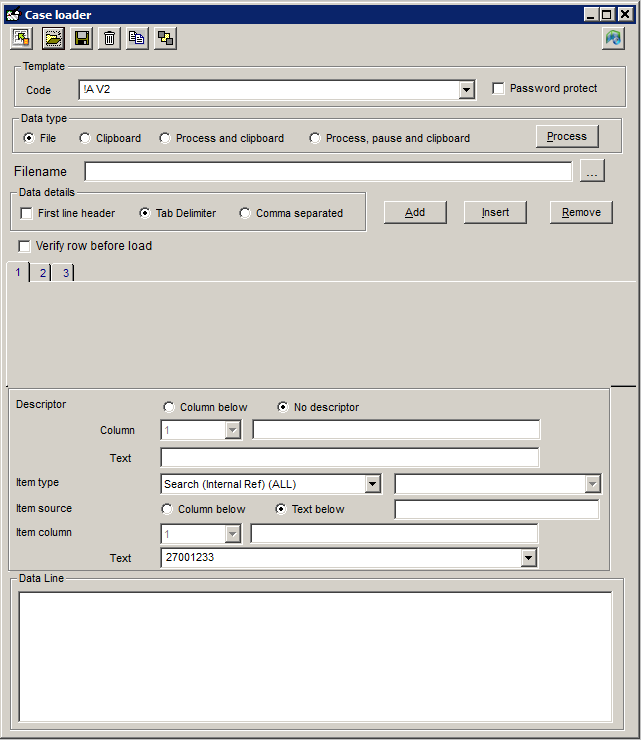
It is also possible to re-run a single case by right clicking on the case and selecting “Re-run Single Case”. Please note that rerunning a single case will overwrite the output file.
Related Topics
| Copyright© 1994-2026 Exasoft, All rights reserved. | |